


Create a Bucket
To create a bucket:
Click Browser in the sidebar to open the Multicloud Browser:
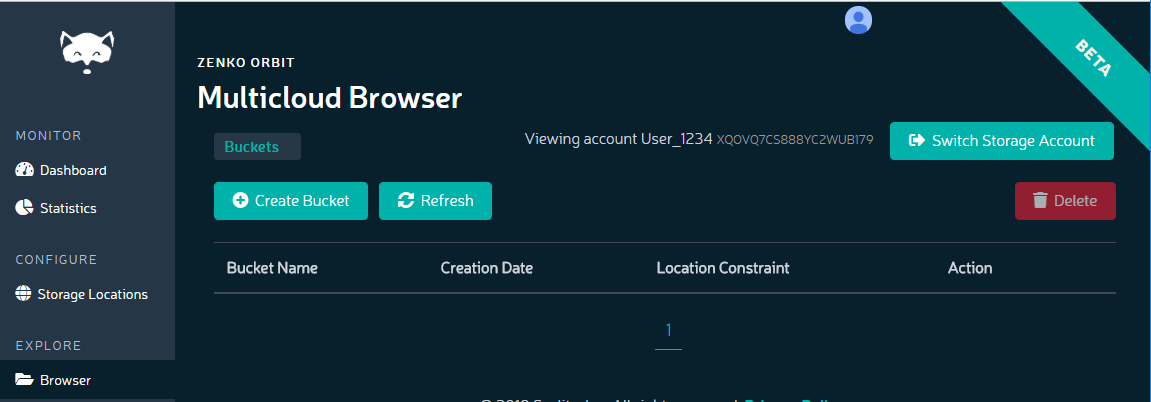
Click the Create Bucket button.
The Create Bucket dialog displays:
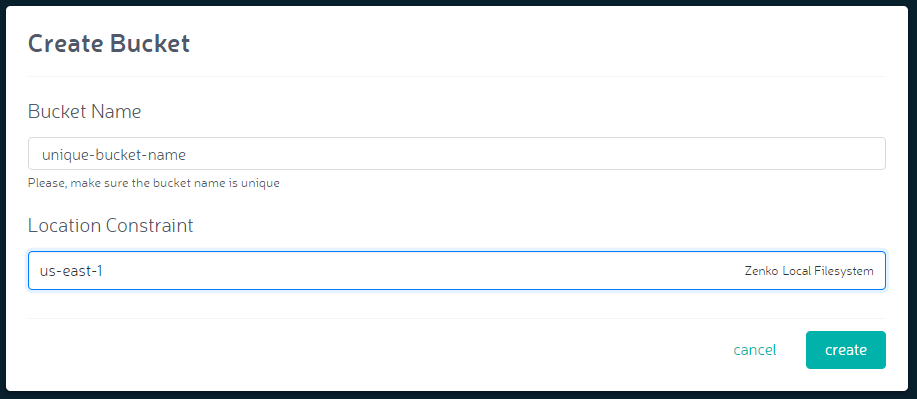
Enter the bucket name and location constraint, and click the Create button.
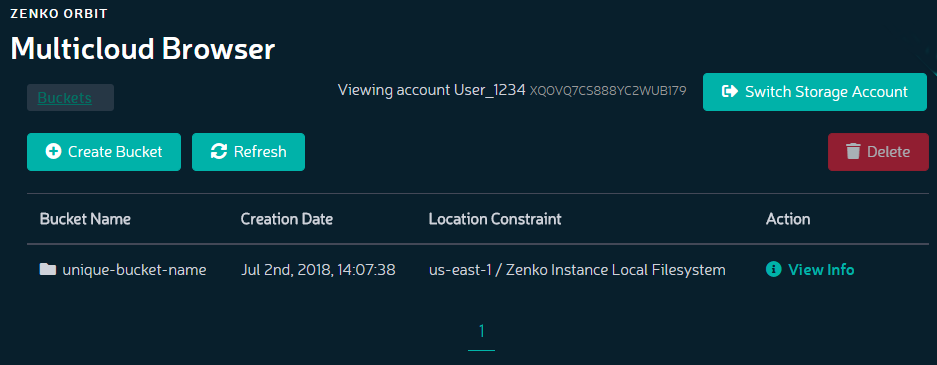
The bucket appears in the Buckets list:
For buckets associated with AWS S3 or Scality RING endpoints, click View Info. Bucket information displays:
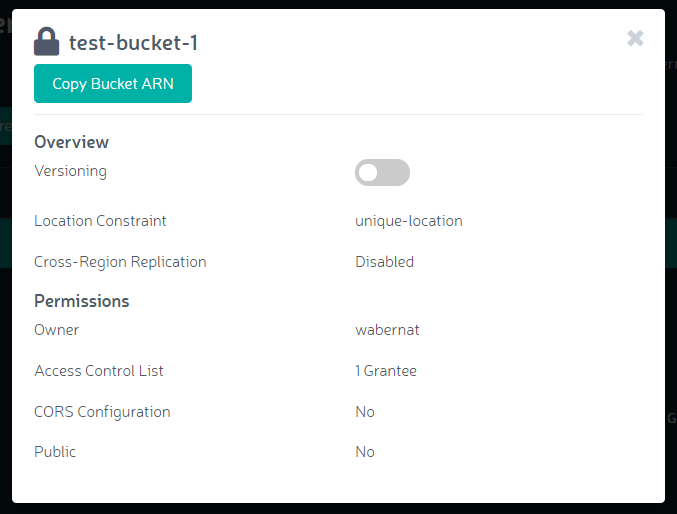
Toggle Versioning ON.

Important
You must turn versioning on for cloud-hosted buckets before assigning them a location. Assigning a bucket to a location with versioning off will result in errors.