


Object Lifecycle Management: Expiration
Object lifecycle expiration policies enable you to delete an object or object type based on its age.
Establishing an Object Expiration Policy
Prerequisite: You must have established at least one bucket.
From anywhere in Orbit, click the Bucket Lifecycle tab in the left navbar.
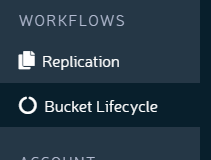
The Bucket Lifecycle screen displays.

Choose a bucket and pick Add New Rule > Expiration
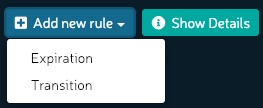
The Add New Expiration Rule dialog displays:
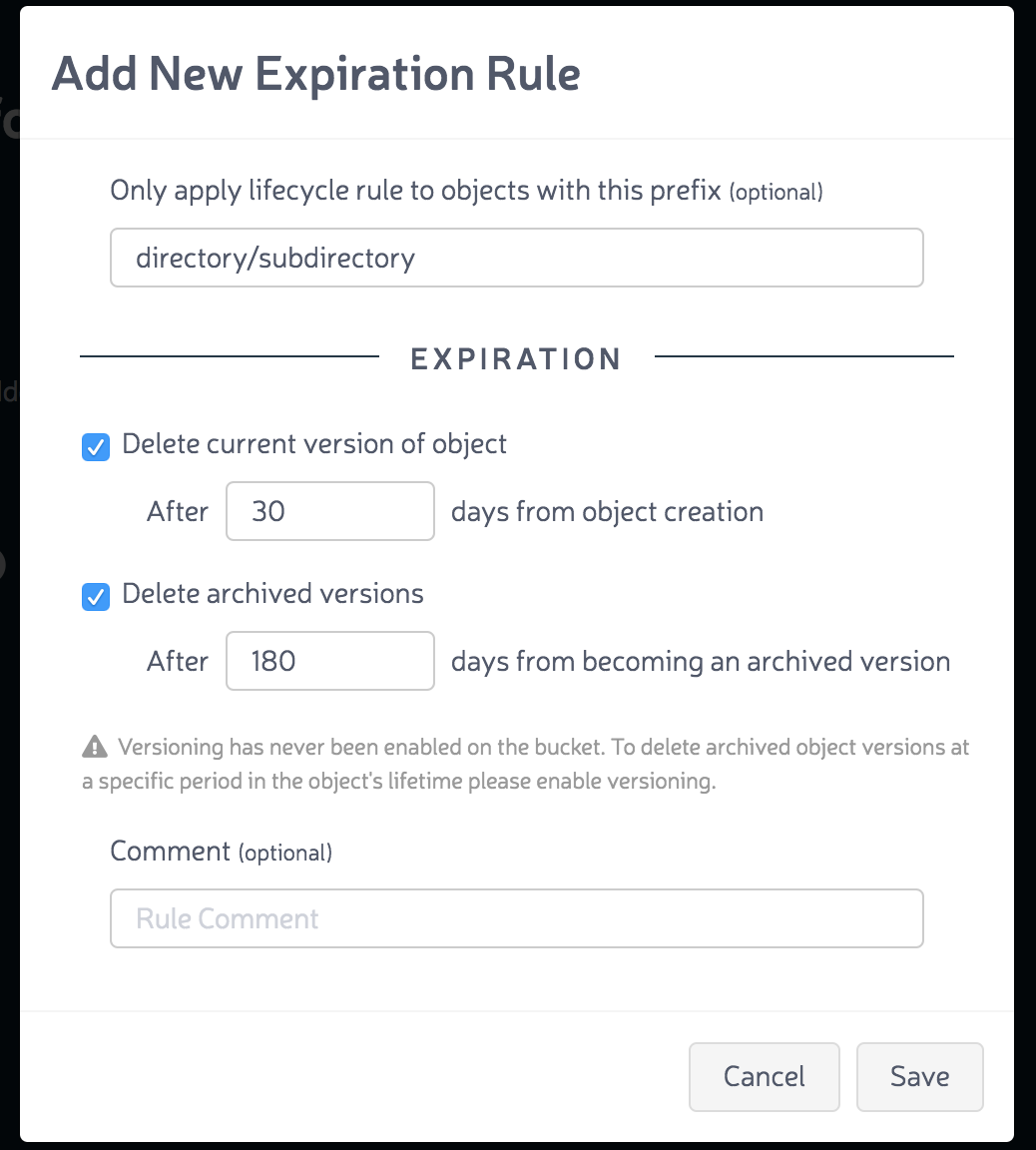
You may enter a distinct directory or subdirectory to which the rule applies. Enter an expiration time span and a deletion time span. These follow the bucket and enforce expiration and deletion. You may also add a comment about this expiration rule.
Click Save.
The new rule is displayed:
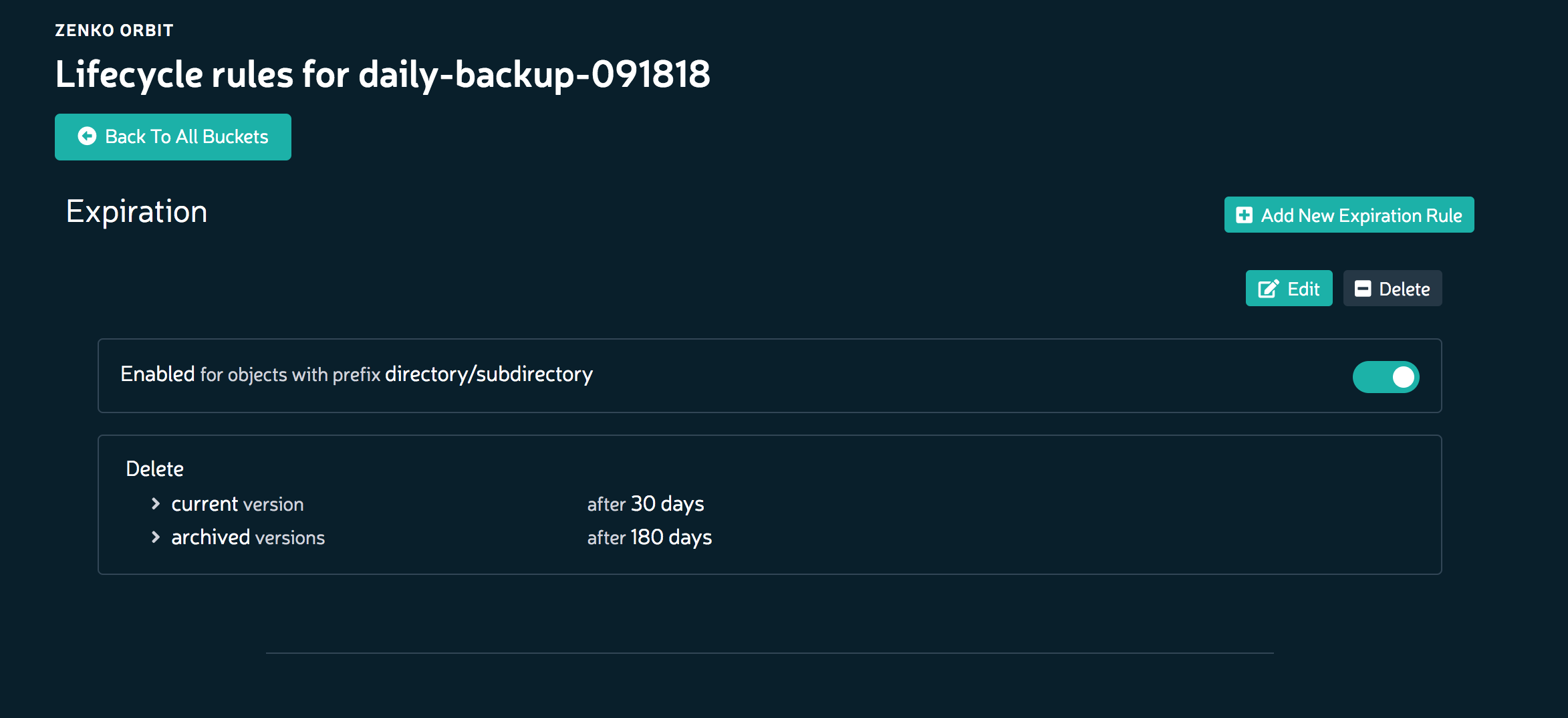
Zenko will enforce these rules on this bucket.
Versioning logic precludes simply deleting an object: that day’s object is deleted, but earlier versions remain. See warning at Deleting Objects.