


Set Up Replication
Prerequisites: To set up bucket-level CRR using the Orbit UI, you must have
- One pre-configured source bucket
- At least one pre-configured destination bucket
To set up a replication configuration:
Click Replication in the sidebar:

Orbit raises the Replication window:

If no locations are configured, Orbit displays this message:
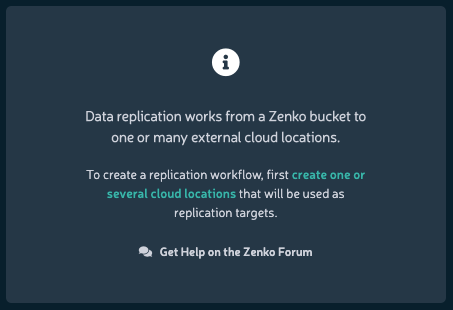
Click the link text to create a suitable replication target.
Click New. The Set up bucket replication dialog displays.
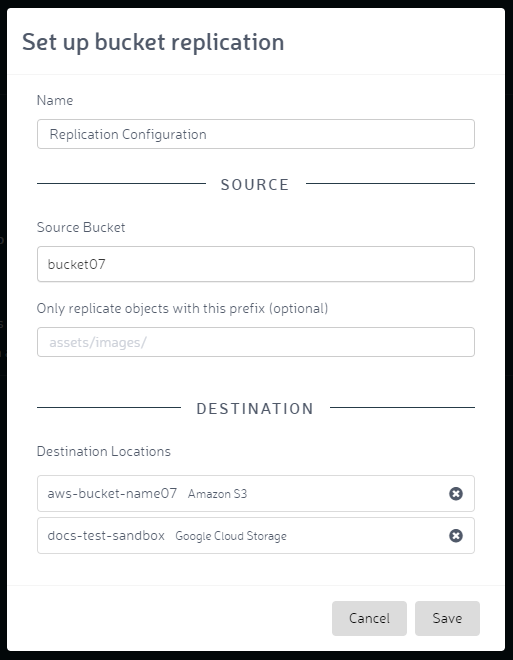
Name the new replication configuration, and enter source and destination bucket information. The replication configuration name is free-form, and not constrained by Amazon’s naming schema. Click Save.
The named configuration and specified destination(s) display on successful implementation.
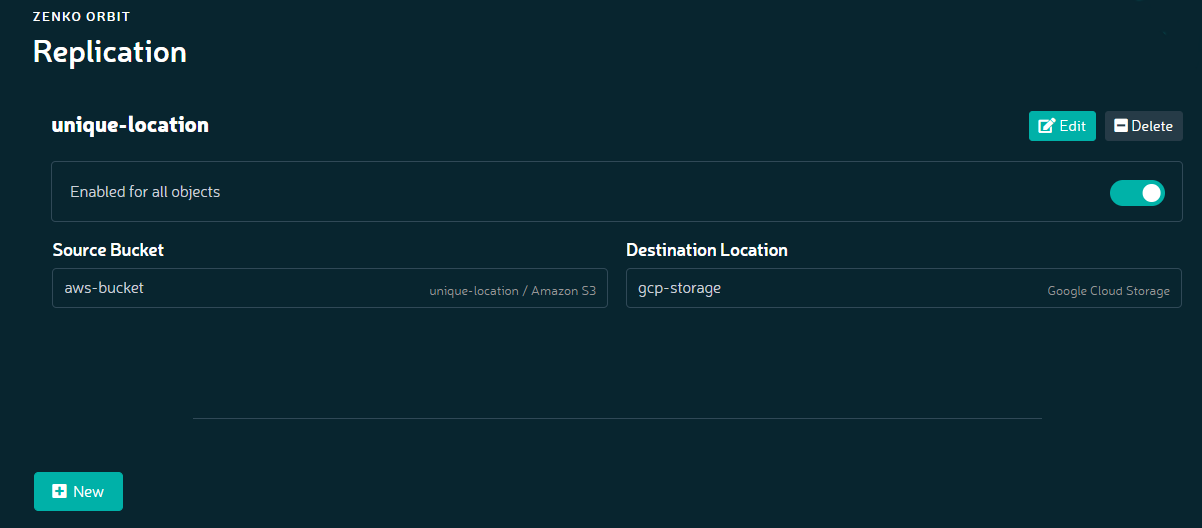
With one or more replication instances configured, the Replication window lets you add a new replication configuration, or edit, suspend, or delete an existing one.
Replication is not retroactive. In other words, if you have files stored in a bucket and you configure that bucket to be replicated, replication only occurs to files written to that bucket after you have configured and set the replication.